
Making the Most of Archicad Keynotes
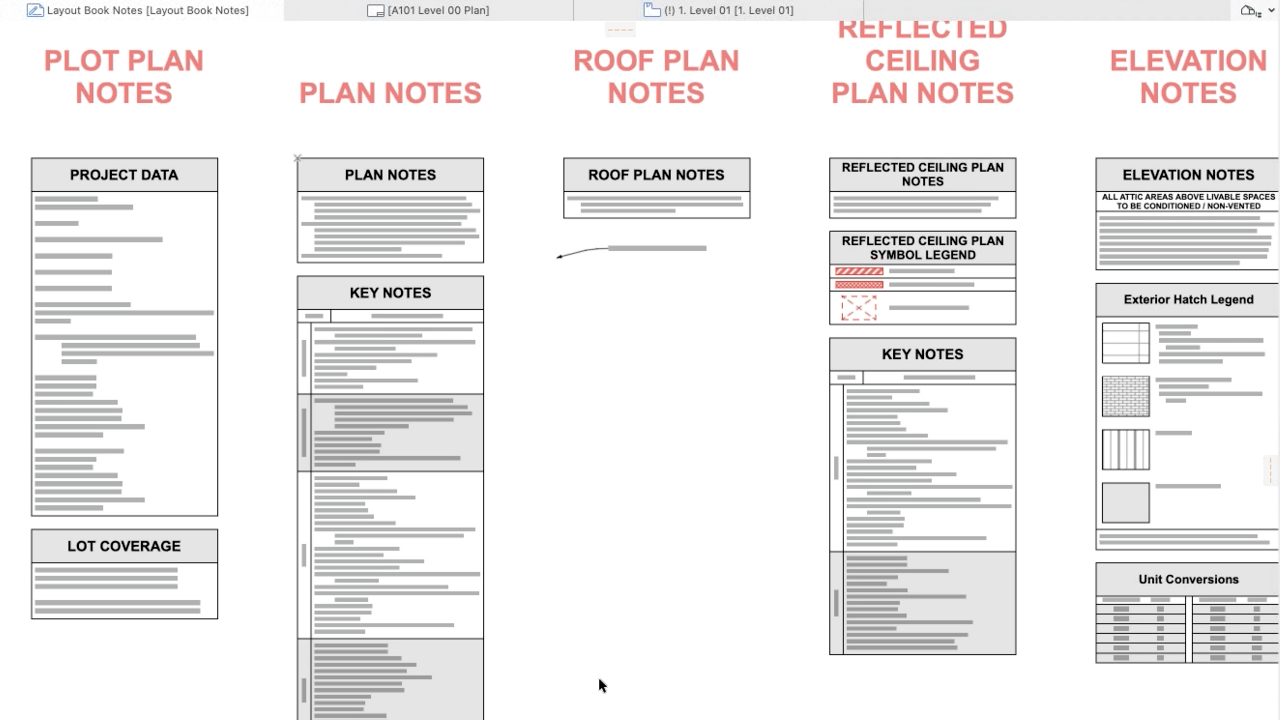
Jared Banks of Shoegnome Architects led a detailed and engaging walkthrough during a recent Archicad User Group session, demonstrating how keynotes can significantly enhance both design and documentation workflows. His presentation broke down the tools in a clear, approachable way, offering practical takeaways for users at any experience level.
What Keynotes Can Do
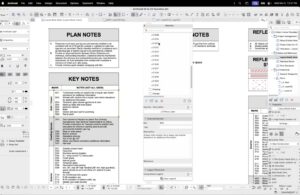
Jared began with the basics, illustrating how keynotes introduce structured, consistent data within Archicad. Using the Keynote Palette, teams can organize notes into folders and assign titles, descriptions, and references—creating a streamlined and well-ordered documentation system.
This structured method not only keeps projects organized as they evolve, but also allows keynotes to update globally, making them especially valuable for fast-moving or frequently revised designs.
What’s New in Archicad 29
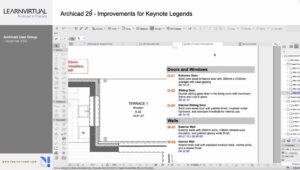
A major highlight of the session was the improved Keynote Legends in Archicad 29. Jared demonstrated how the latest updates provide greater control over formatting, allowing users to refine:
- Background fills
- Font styles
- Header shading
- Text alignment and positioning
These enhancements make it easier to produce clean, polished legends that align with your firm’s documentation standards.
Streaming Data Management with Excel
Jared also explored how Excel can be used to efficiently manage keynote data. By exporting keynotes as XML or Excel files, teams can:
- Perform bulk edits quickly
- Maintain consistency across large projects
- Collaborate more effectively with external partners using different tools
This approach simplifies data management and ensures alignment across the entire project team.
Extending Keynotes Beyond Documentation
Moving beyond standard use cases, Jared highlighted creative applications of keynotes in broader project workflows. For example, keynotes can:
- Link to design options and automatically update related drawings
- Act as an internal task-tracking system, helping teams manage to-dos without leaving Archicad
These examples demonstrate the flexibility of keynotes as both a documentation and project management tool.
Final Thoughts
Jared concluded by encouraging users to experiment and tailor keynotes to their own processes.
When fully utilized, keynotes offer a powerful way to improve clarity, coordination, and overall efficiency.
The session also underscored the importance of ongoing learning and knowledge-sharing within the Archicad community.
⭐ Want the Full Experience? Watch the Recording
This blog only scratches the surface. The recording includes visual walkthroughs, live examples, and deeper insights that bring these concepts to life.
To see Jared’s demonstrations, examples, and full explanations, join the community or login to your LearnVirtual account. User Group recordings are available to User Group Plus, Basic, and Premium LearnVirtual members.

If you would like to learn more we invite you to join Learnvirtual to access OnDemand lessons, In-Practice presentations and LIVE weekly lessons.
Stay connected with news and updates!
Join our mailing list to receive the latest news and updates from our team.
Don't worry, your information will not be shared.
We hate SPAM. We will never sell your information, for any reason.
