
Build More Efficient Archicad Workflows with Add-Ons, Legends, and Design Options
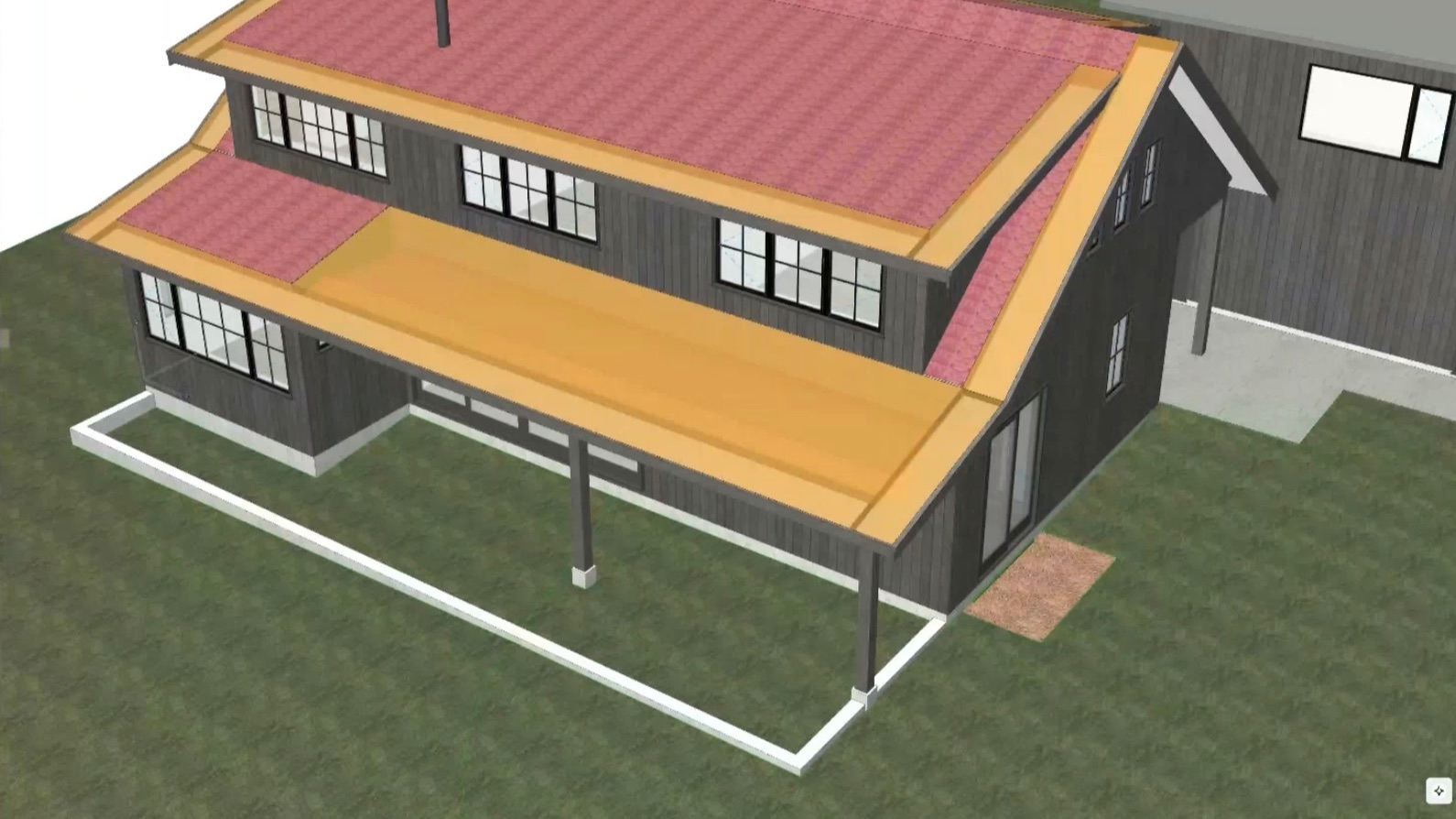
Efficiency isn't just about working faster—it's about creating smarter workflows that reduce repetitive tasks and make projects easier to manage. During a recent LearnVirtual User Group session, architect and Archicad consultant Geoff Briggs shared practical techniques for improving productivity using add-ons, legends, and Design Options in Archicad.
Extend Archicad with Add-Ons
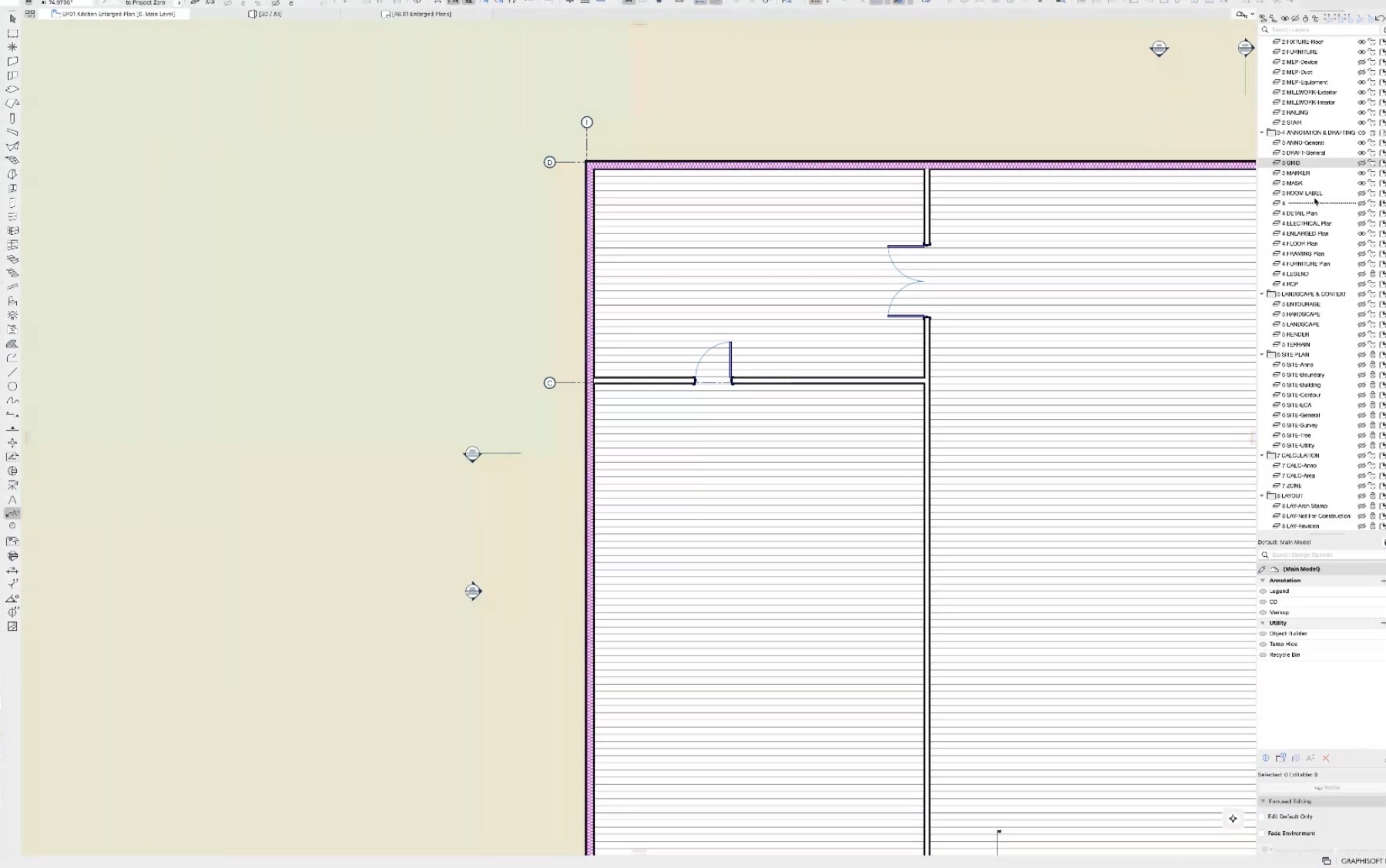
Archicad's flexibility grows even further with add-ons that solve everyday workflow challenges. Geoff demonstrated several tools that simplify common tasks, including a Grid Label tool that keeps enlarged plans coordinated automatically, a Layer Palette for quickly managing layers without opening the Layer Settings dialog, and utilities that help clean up polygons and monitor project attributes.
These small enhancements may seem simple, but together they can save hours over the course of a project.
Keep Your BIM Model Organized
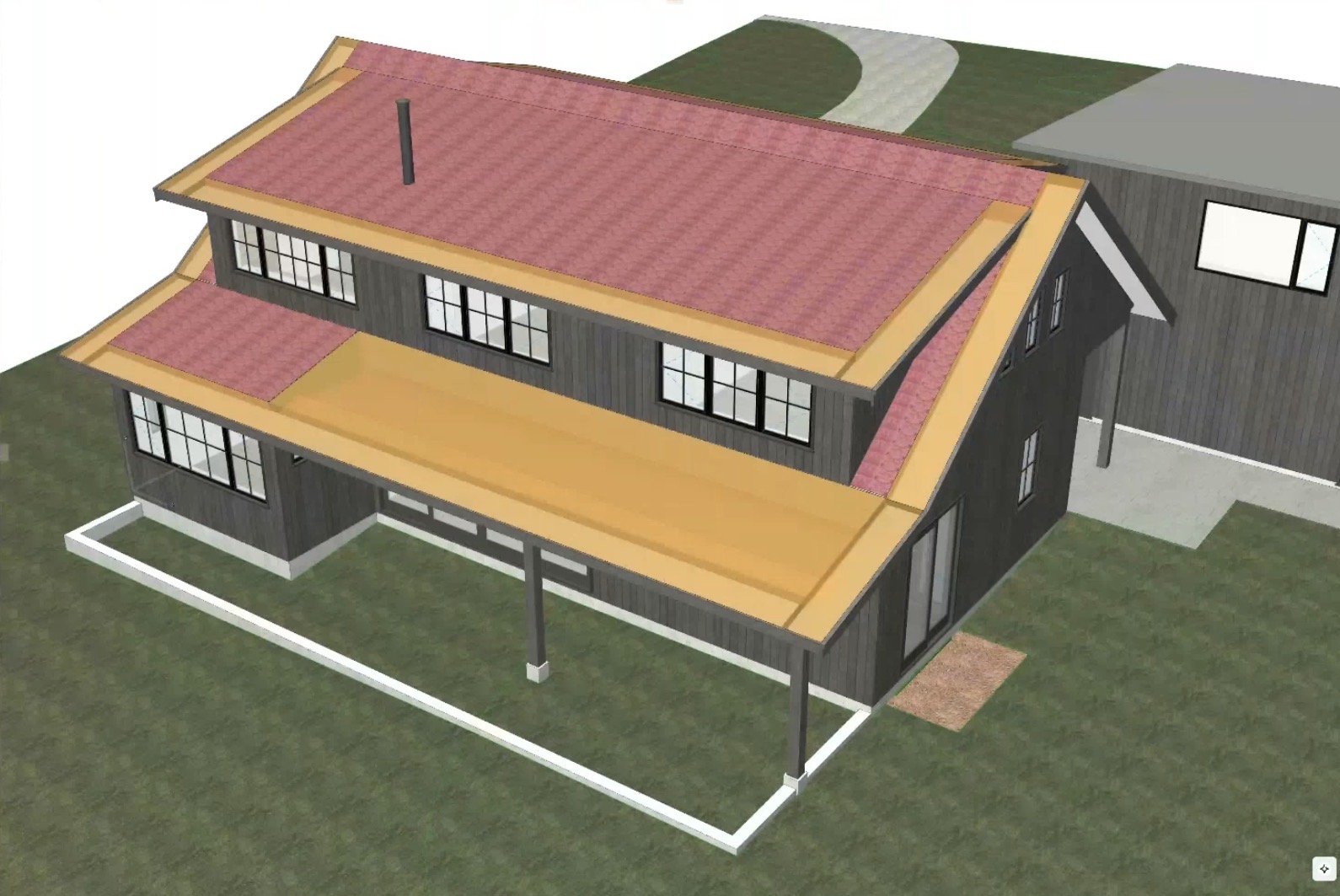
As projects become more complex, maintaining a clean model becomes increasingly important. Tools like Attribute Monitor help identify new attributes before they clutter a project, while utilities for monitoring Solid Element Operations make it easier to manage model performance and troubleshoot geometry.
Geoff also emphasized the value of customizing your Archicad workspace with keyboard shortcuts and palettes that support your daily workflow, helping reduce unnecessary clicks and interruptions.
Think Beyond Traditional Design Options
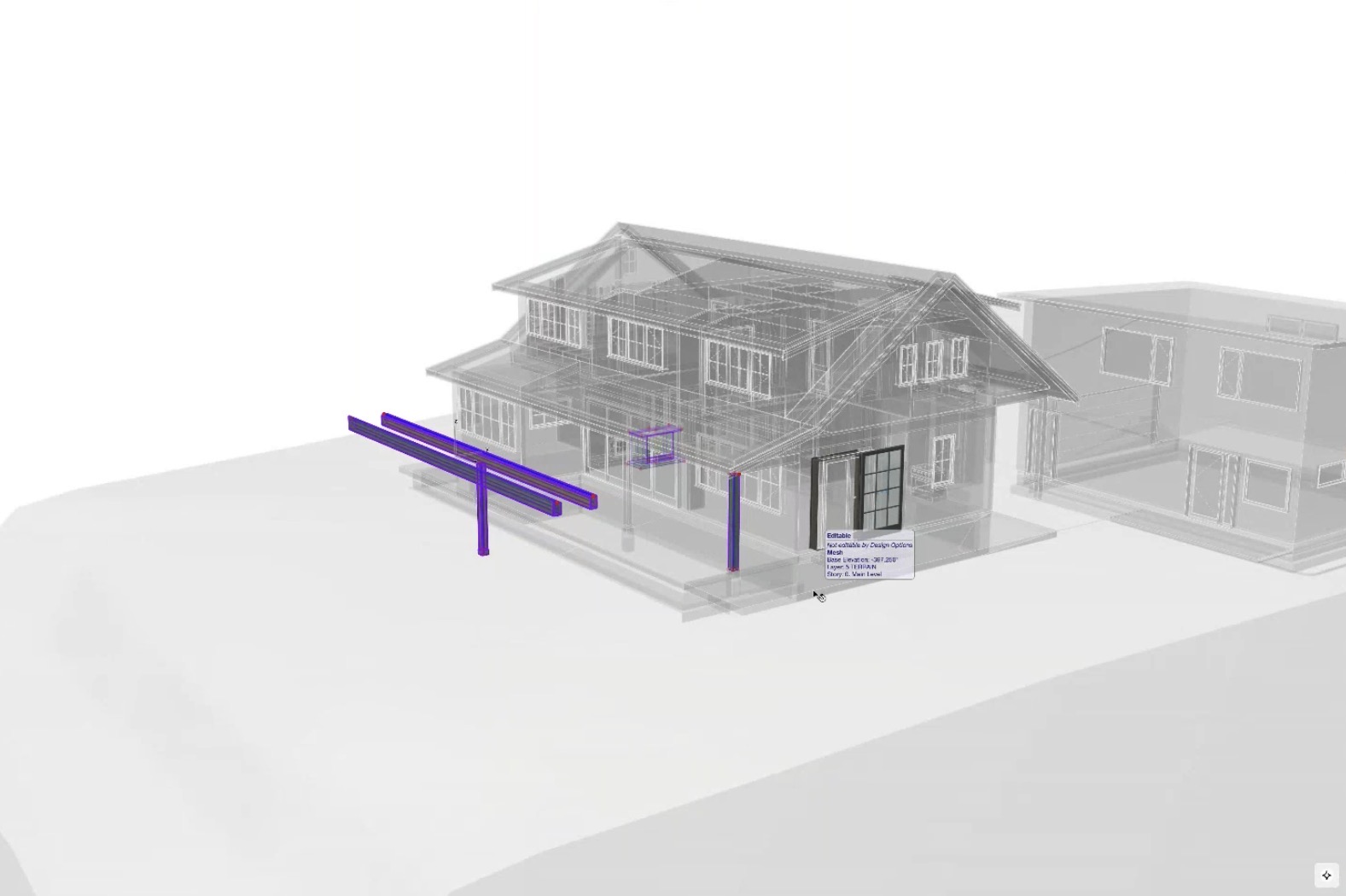
While the Design Options tool with Archicad is commonly used to compare design alternatives, Geoff demonstrated several creative ways to use them throughout the documentation process.
One of the most effective examples was creating project legends using Design Options instead of separate layers. This keeps legend elements on their original layers, prevents them from appearing in schedules, and eliminates the need for additional layer combinations.
He also shared how Design Options can be used to:
-
Create reusable object-building workspaces
-
Store removed elements in a project "Recycle Bin"
-
Hide future construction documentation until it's ready for publication
These techniques help keep projects organized while reducing coordination issues throughout the design process.
Small Changes, Big Productivity Gains
The biggest takeaway from the session is that improving efficiency doesn't require completely changing your workflow. Small enhancements—whether through add-ons, better project organization, or creative uses of Design Options—can significantly reduce manual work, improve collaboration, and help you get more from Archicad every day.
🎥 Watch the Full Video

This recap only scratches the surface. The full recording includes live demonstrations, real project workflows, and audience Q&A that bring these techniques to life.
To see demonstrations, examples, and full explanations, join the LearnVirtual User Group Plus Community or log in to your LearnVirtual account. User Group recordings are available to User Group Plus, Basic, and Premium LearnVirtual members.
If you would like to learn more we invite you to join Learnvirtual to access OnDemand lessons, In-Practice presentations and LIVE weekly lessons.
Stay connected with news and updates!
Join our mailing list to receive the latest news and updates from our team.
Don't worry, your information will not be shared.
We hate SPAM. We will never sell your information, for any reason.
