
Using Archicad to Model Complex Hillsides
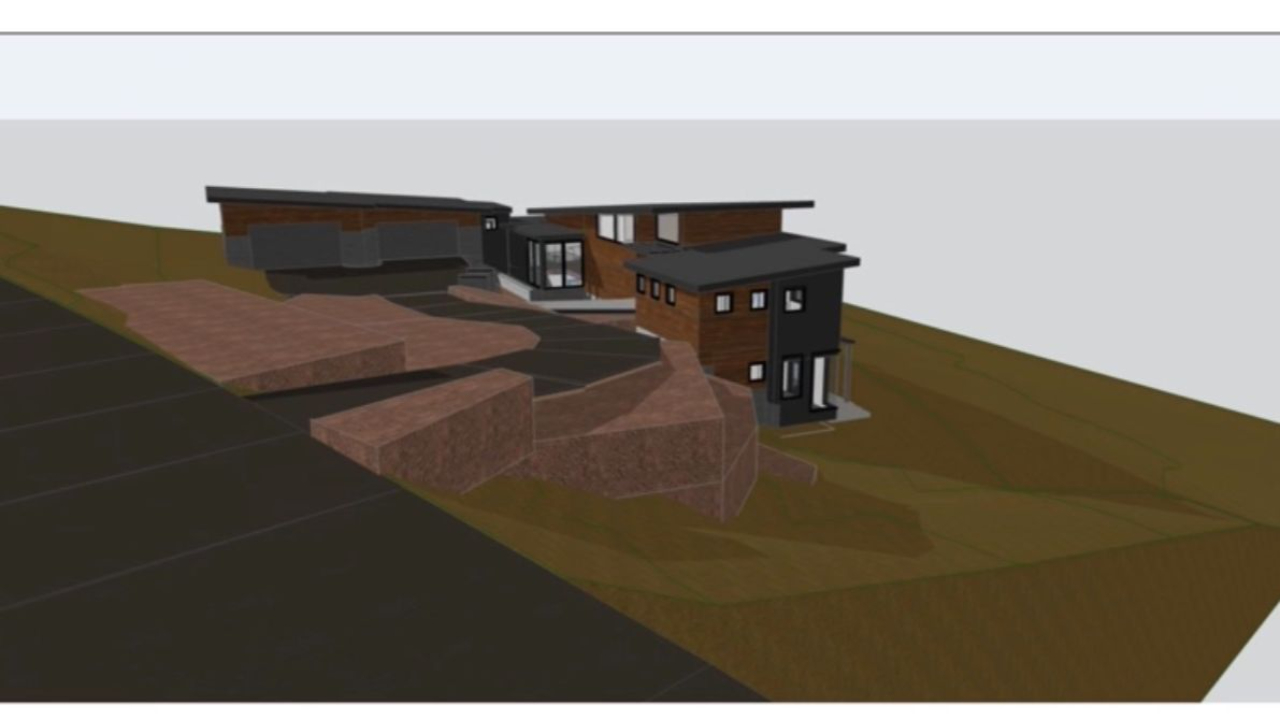
During January's Archicad User Group, Stephen Elbert of Elbert Architecture walked through an in-depth case study of the Clear Creek Tahoe Residence—showcasing advanced 3D modeling from early site planning through construction documentation.
Using this intricate hillside project, he demonstrated how Archicad’s unified modeling environment supports both creative design exploration and precise technical coordination—without the need to rebuild or duplicate information along the way.
A key takeaway from the session was clear: when a project begins with a thoughtful 3D workflow, it naturally leads to greater clarity, accuracy, and efficiency from concept to completion.
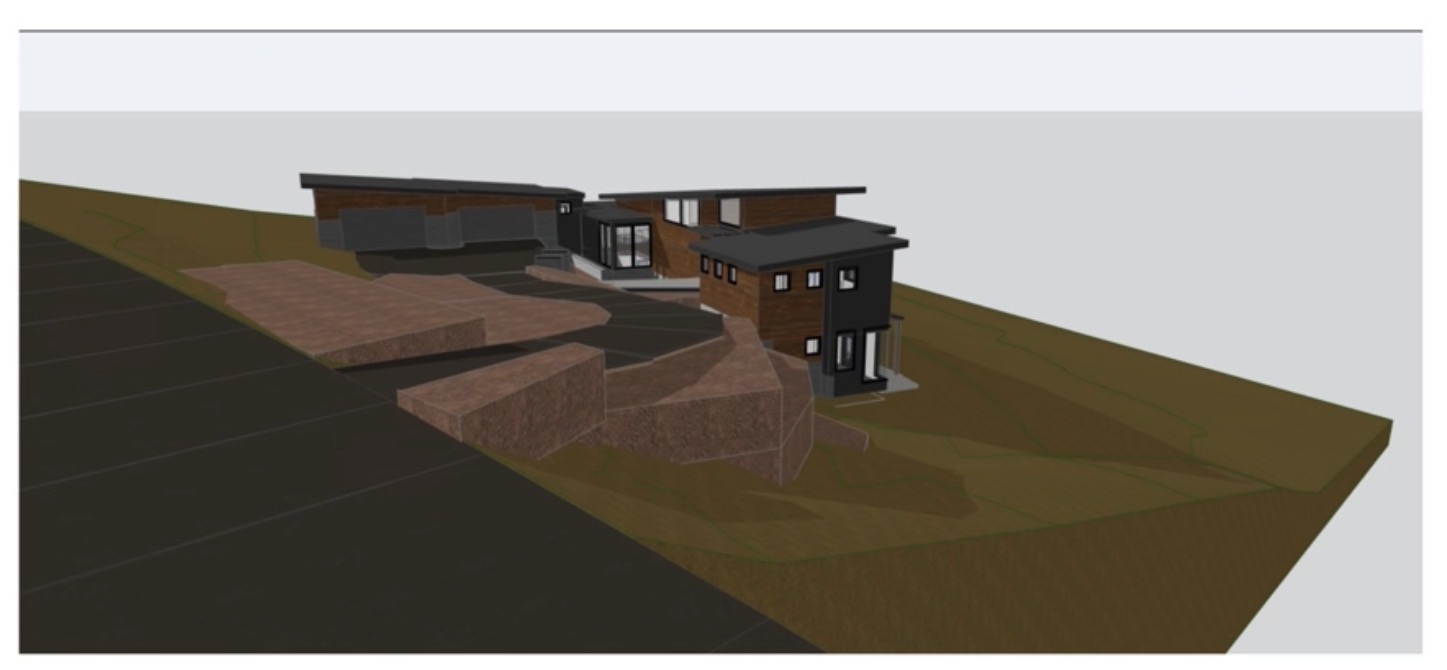
3D Modeling is Essential for Challenging Terrain
The Clear Creek Tahoe Residence is a 4,000-square-foot home situated on a steep downslope site in Nevada at an elevation of roughly 5,500 feet. The complexity of the lot introduced several design challenges, including:
- Multiple elevation changes
- Split-level and partial two-story conditions
- Strategic cut-and-fill grading
- Driveway slopes that met fire code requirements
- Structural systems integrated into the landscape
Instead of treating grading, structure, and layout as separate workflows, the design team resolved these elements simultaneously within the 3D model. This approach helped eliminate conflicts early—well before construction began.
To analyze slope and site access, the driveway was modeled using a series of slabs, making it easy to adjust elevations as the design evolved. Earth fill was created as a separate element from the existing terrain, allowing the team to clearly visualize cut-and-fill relationships and coordinate drainage strategies early on.
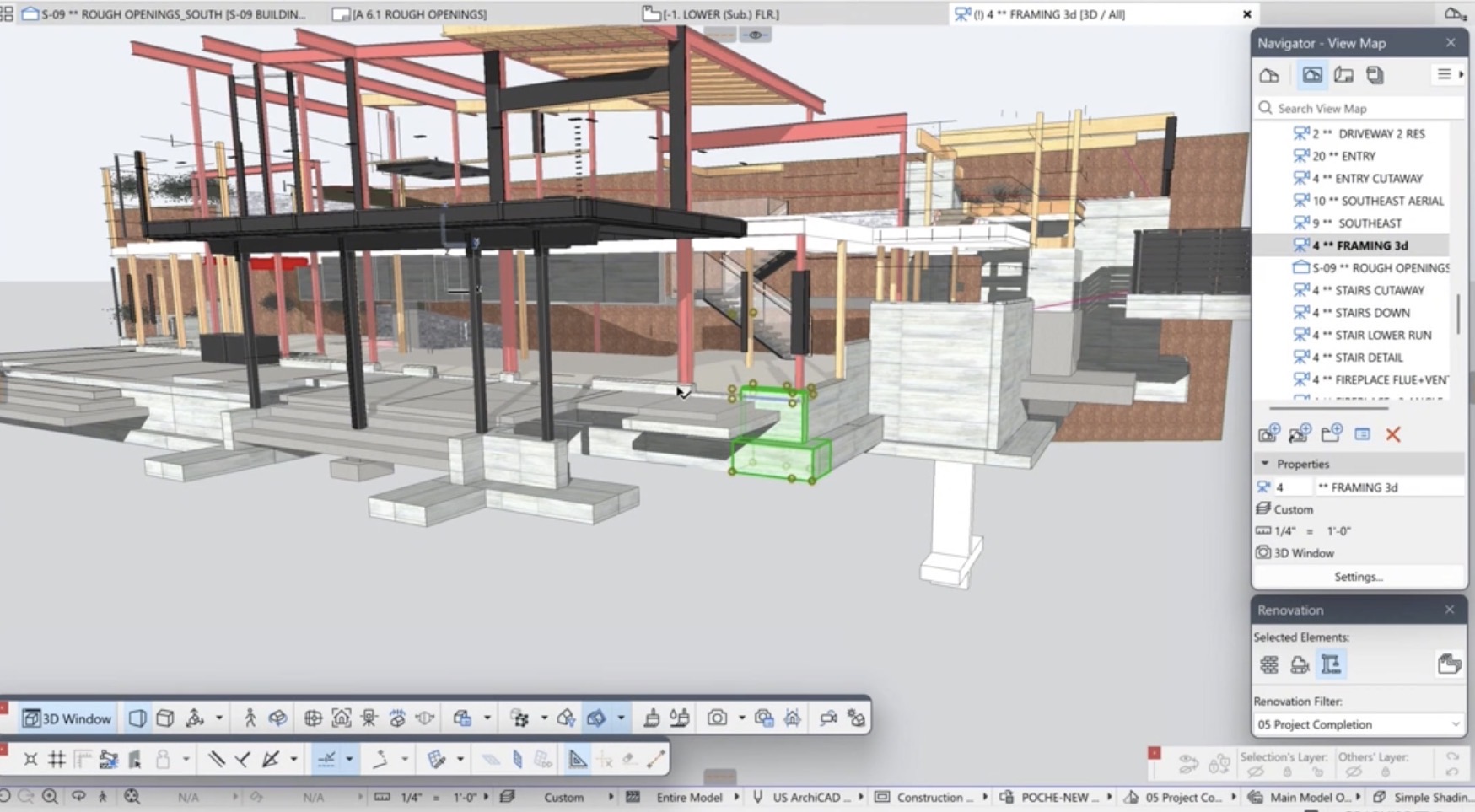
The foundation system added another layer of complexity, requiring stepped footings and retaining walls across varying elevations. By modeling directly from the structural engineer’s drawings, the team ensured alignment between the building and site conditions while improving communication with both client and contractor.
Simplifying the Design to Construction Process
One of the most impactful moments in the session highlighted how a well-developed 3D model eliminates the need to recreate information during later project phases.
On the south-facing elevation, the design included custom trapezoidal windows positioned above standard rectangular units. Typically, these require field measurements after framing, which can delay fabrication. In this case, the timeline didn’t allow for that step.
Instead, Stephen modeled the entire structural framing system—including steel beams, TJIs, cross-blocking, and nailers—based on engineering documentation. From this coordinated model, he extracted rough opening dimensions accurate to within 1/32 of an inch.
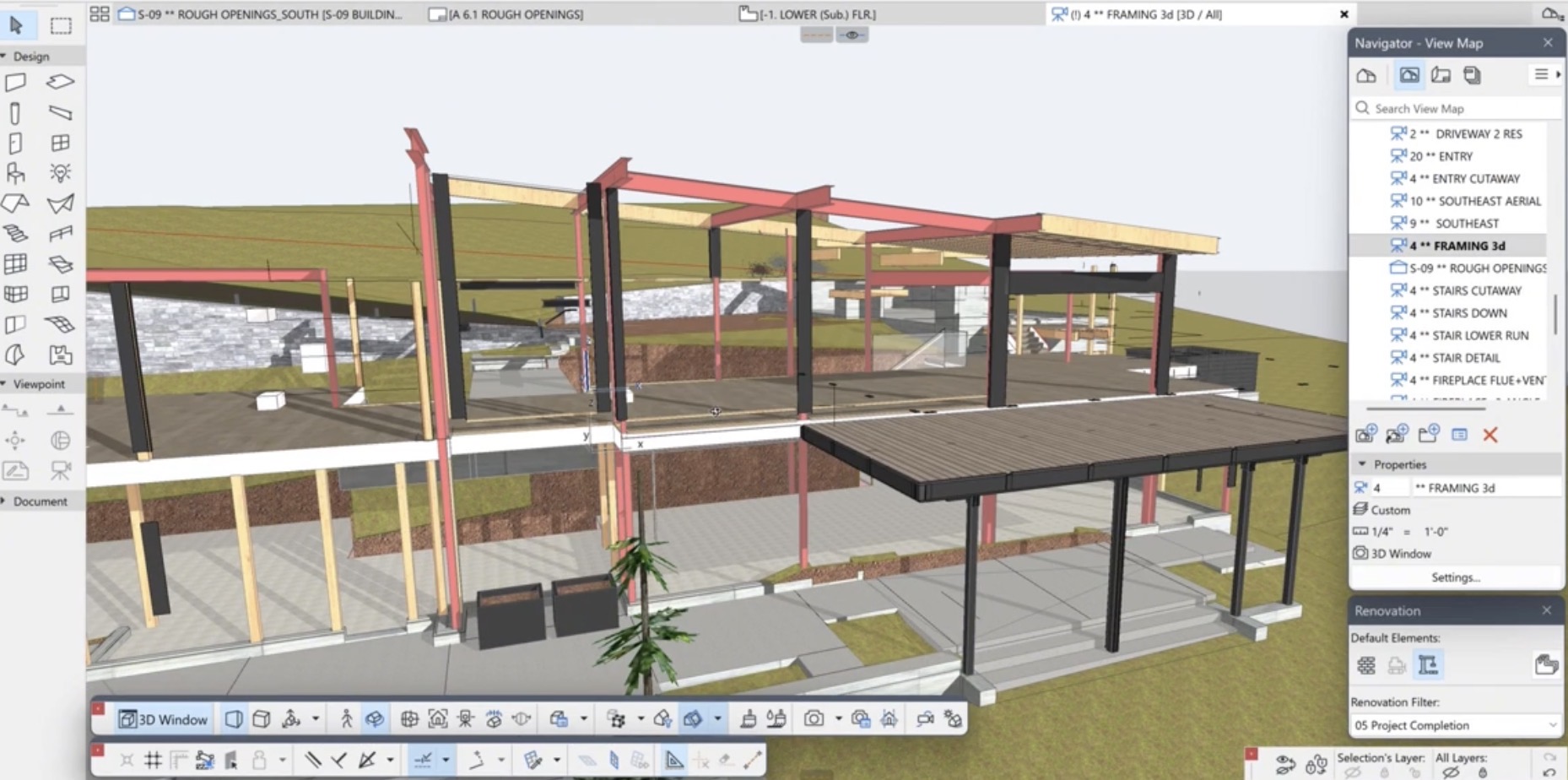
The result: windows were fabricated and installed successfully—without remeasuring—proving the power of precise, intentional modeling.
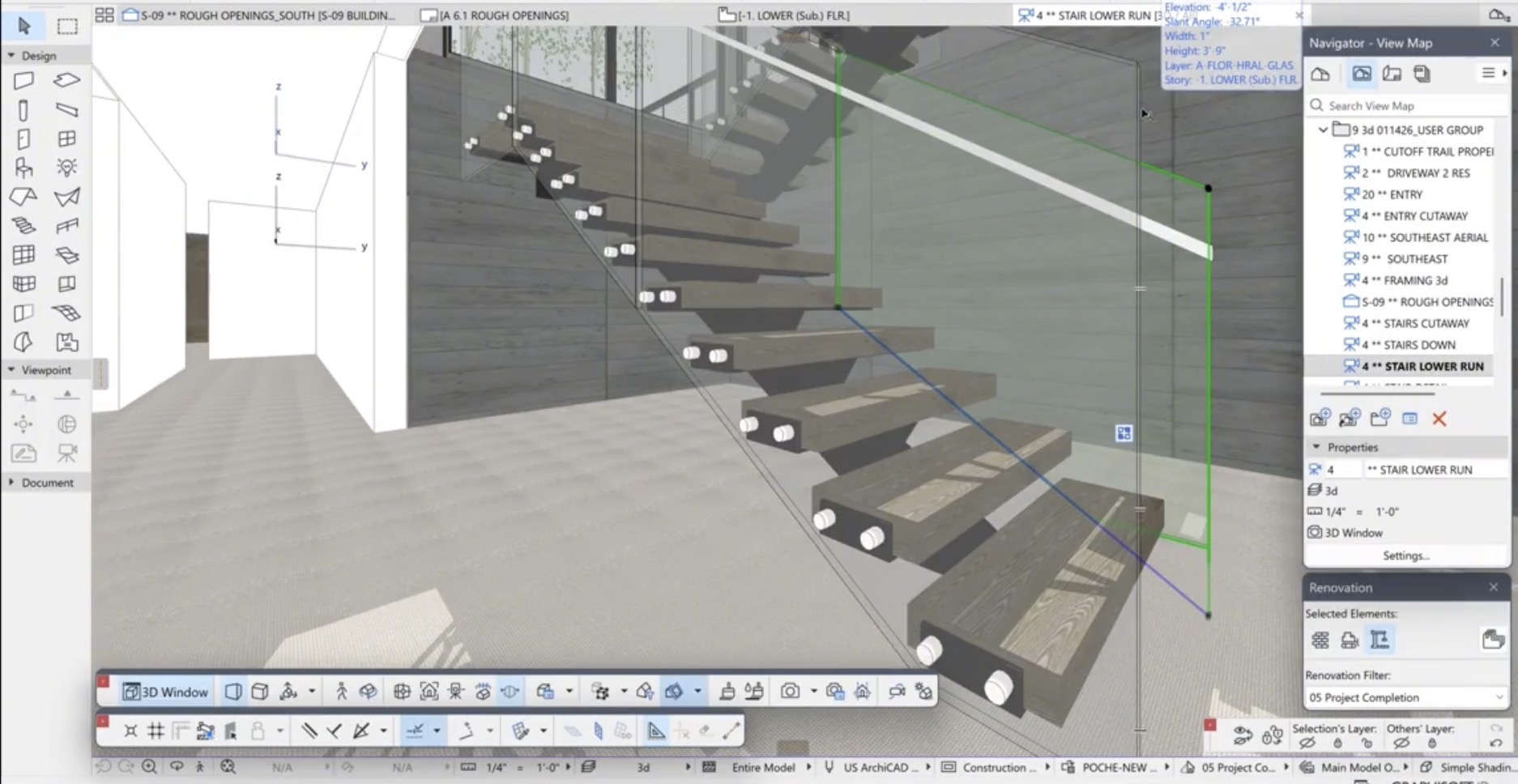
The interior stair system presented another unique challenge. The client requested 3.5-inch solid wood treads supported by steel U-shaped plates, paired with glass railings on both sides.
To execute this, each tread assembly was modeled as a detailed, multi-material component—incorporating wood, steel plates, and aluminum anchor caps—and saved for reuse using the Library Manager. For the railings, beams were used instead of the standard railing tool, allowing for greater control over angles and placement.
This modeling strategy enabled the team to:
- Communicate design intent with clarity
- Confirm code compliance (including the 4-inch sphere requirement)
- Produce fabrication-ready documentation
All from a single, coordinated model—built once and leveraged throughout the project.
Watch the Full Session
This recap only scratches the surface. The full recording includes live demonstrations, real project workflows, and audience Q&A that bring these techniques to life.
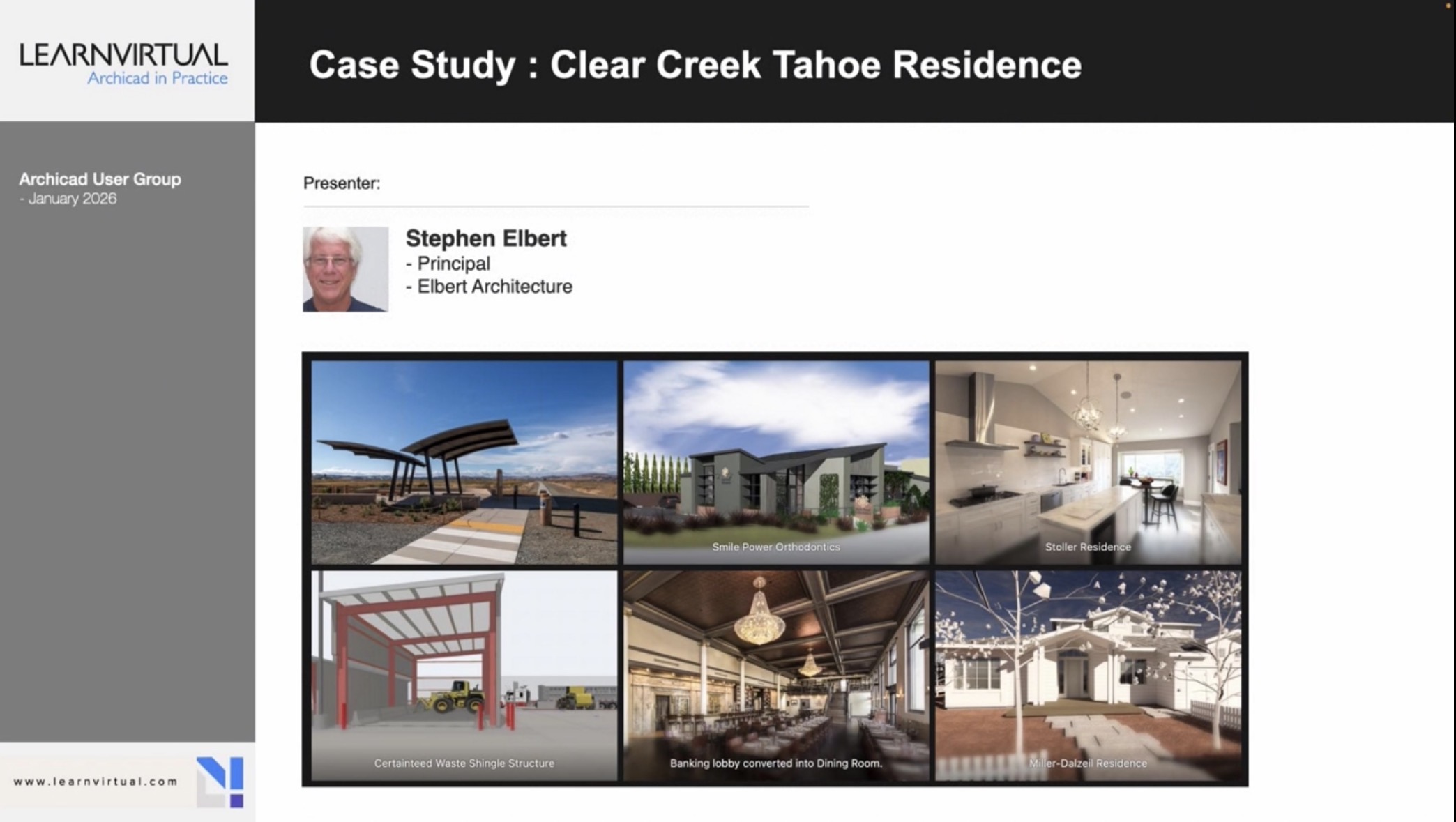 Watch the full Archicad User Group session on LearnVirtual
To see demonstrations, examples, and full explanations, join the LearnVirtual User Group community or log in to your LearnVirtual account. User Group recordings are available to User Group Plus, Basic, and Premium LearnVirtual members.
If you would like to learn more we invite you to join Learnvirtual to access OnDemand lessons, In-Practice presentations and LIVE weekly lessons.
Stay connected with news and updates!
Join our mailing list to receive the latest news and updates from our team.
Don't worry, your information will not be shared.
We hate SPAM. We will never sell your information, for any reason.
