
Unlocking the Power of Keynotes in Archicad: Insights from Jared Banks
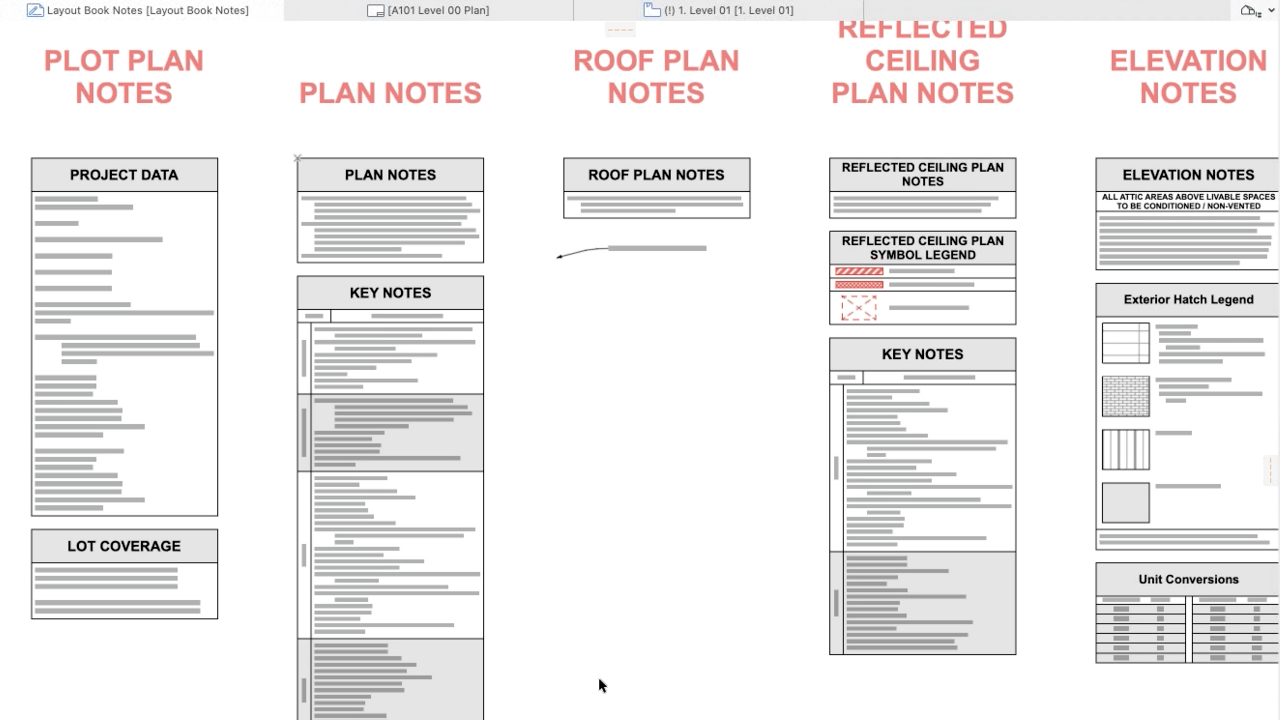
During our recent Archicad User Group session, Jared Banks of Shoegnome Architects delivered an in-depth walkthrough of how keynotes can transform both design and documentation workflows in Archicad. His talk broke down the tools with clarity, offering practical insights for users at every skill level.
What Keynotes Can Do
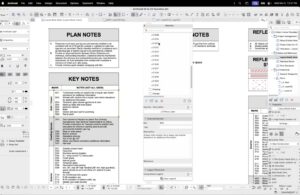
Jared began by revisiting the fundamentals—showing how keynotes create structured, consistent data inside Archicad. With the Keynote Palette, users can organize notes into folders and assign titles, descriptions, and references that streamline their documentation sets.
This structured approach not only maintains order as projects evolve, but also allows keynotes to update globally—ideal for fast-paced or frequently changing designs.
What’s New in Archicad 29
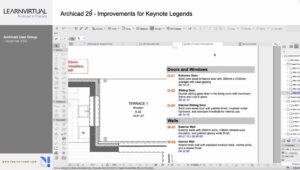
One of the biggest highlights was the enhanced Keynote Legends in Archicad 29. Jared demonstrated how the newest version offers expanded formatting control, giving users the ability to adjust:
-
Background fills
-
Font styles
-
Header shading
-
Text positioning
These improvements make it easier to create clean, visually consistent legends that match your documentation standards.
Better Data Management Using Excel
Jared also showcased the efficiency of managing keynotes through Excel. By exporting keynotes as XML or Excel files, users can:
-
Edit information in bulk
-
Maintain consistency across large teams
-
Collaborate smoothly with people using different software
This workflow significantly speeds up data management and keeps documentation aligned across the entire project team.
Supporting Design Options & Project Management
Beyond traditional documentation, Jared shared creative ways to use keynotes in broader project management. He explained how keynotes can:
-
Link directly to design options, updating all related drawings automatically
-
Function as an internal project to-do list, helping designers track tasks without leaving the Archicad environment
These applications highlight how flexible and powerful the keynote system can be in everyday practice.
Final Thoughts
Jared closed by encouraging users to experiment with keynotes and adapt them to their own workflows. When used to their full potential, keynotes offer a high-impact way to improve clarity, coordination, and efficiency in any project.
This session was a strong reminder of the value of continuous learning—and how shared knowledge strengthens the entire Archicad user community.
⭐ Want the Full Experience? Watch the Recording
This blog only scratches the surface. The recording includes visual walkthroughs, live examples, and deeper insights that bring these concepts to life.
To see Jared’s demonstrations, examples, and full explanations, join the community or login to your LearnVirtual account. User Group recordings are available to User Group Plus, Basic, and Premium LearnVirtual members.

If you would like to learn more we invite you to join Learnvirtual to access OnDemand lessons, In-Practice presentations and LIVE weekly lessons.
Stay connected with news and updates!
Join our mailing list to receive the latest news and updates from our team.
Don't worry, your information will not be shared.
We hate SPAM. We will never sell your information, for any reason.
